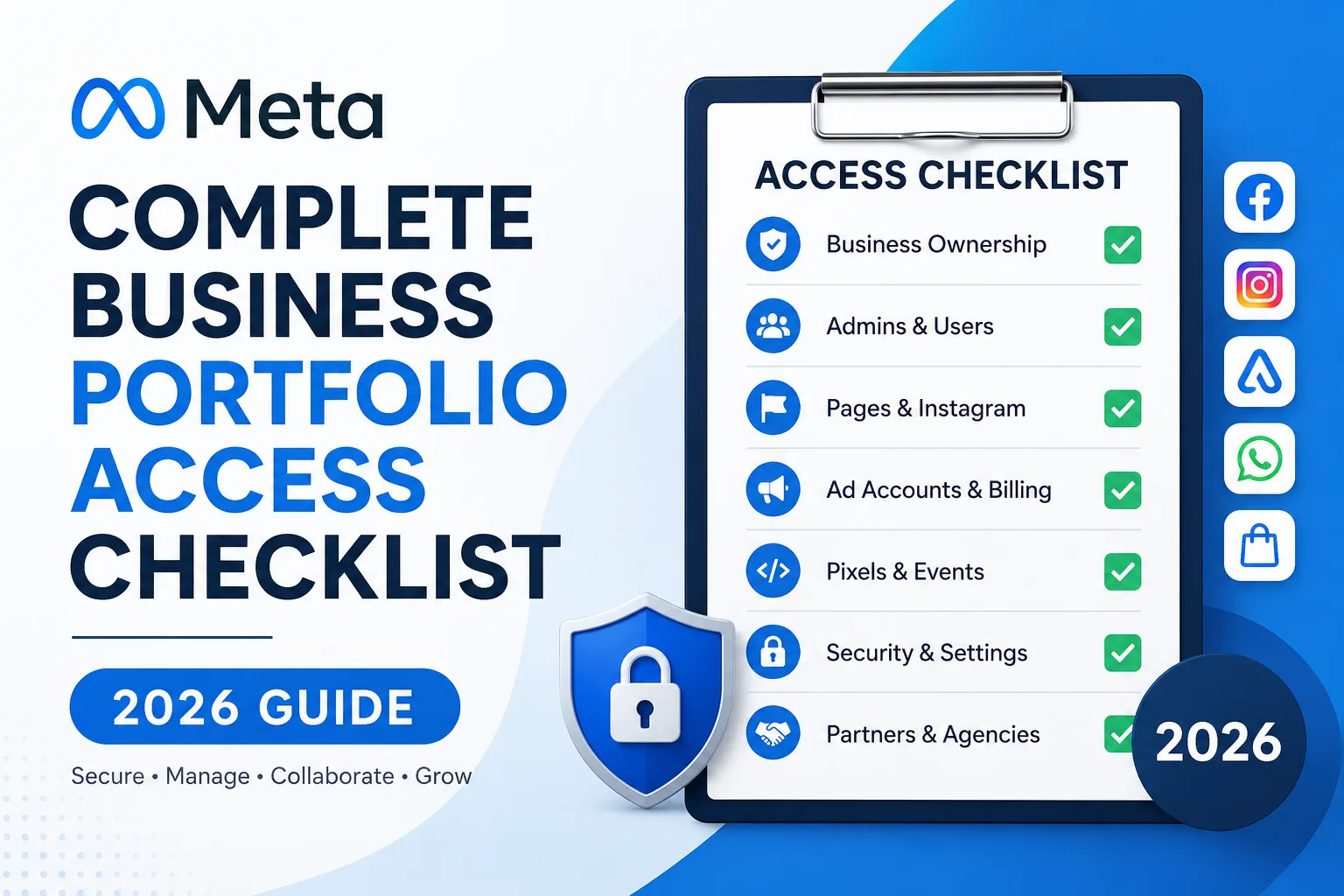
Managing access to your Meta Business Portfolio is essential for protecting your business assets, running successful ad campaigns, and avoiding ownership issues. This complete 2026 checklist will help you verify business ownership, review user permissions, secure your Meta assets, and ensure your team has the right level of access. Whether you’re a business owner, marketing agency, or freelancer, use this guide to keep your Meta Business Portfolio organized, secure, and ready for growth.
1. Verify Business Ownership
Your business should own every important asset.
Confirm ownership of:
✅ Facebook Page
✅ Instagram Professional Account
✅ Meta Ad Account
✅ Meta Pixel
✅ Catalog
✅ Commerce Manager
✅ WhatsApp Business Account
✅ Domain Verification
Never allow an agency or freelancer to permanently own your business assets.
2. Verify Business Information
Check that your business information is accurate.
Review:
- Business name
- Business email
- Business phone number
- Website
- Legal business address
- Time zone
- Currency
Incorrect settings can affect billing and advertising.
3. Enable Two-Factor Authentication (2FA)
Every admin should have Two-Factor Authentication enabled.
Meta recommends making 2FA mandatory for all users.
Benefits include:
- Protection against hacking
- Secure login
- Reduced risk of unauthorized access
Avoid using SMS when possible. Use an authentication app instead.
4. Review Business Admins
Check every Business Admin.
Ask:
- Do they still work here?
- Do they need admin access?
- Are duplicate admins present?
Keep only trusted administrators.
Ideally:
- Business Owner
- Managing Director
- Marketing Manager
Limit the number of admins.
5. Audit Employee Access
Employees should receive only the permissions they need.
Examples:
Social Media Executive
- Page access
- Instagram access
Performance Marketer
- Ad Account
- Pixel
- Events Manager
Designer
- Page content
- No billing access
Follow the principle of least privilege.
6. Remove Former Employees
One of the biggest security mistakes is forgetting to remove former employees.
Immediately remove access when someone:
- Resigns
- Is terminated
- Changes departments
- Finishes a contract
Don’t wait weeks or months.
7. Review Agency Partner Access
Many businesses hire agencies.
Instead of transferring ownership:
Grant Partner Access.
Verify:
- Agency still works with you
- Correct permissions assigned
- No unnecessary admin rights
Remove old agencies.
8. Verify Facebook Page Access
Check who has:
- Full Control
- Content Access
- Messaging
- Community Activity
- Ads
- Insights
Remove unnecessary users.
9. Verify Instagram Account Access
Ensure the Instagram account is:
- Connected correctly
- Owned by your business
- Linked to the correct Facebook Page
Review:
- Connected users
- Admin access
- Publishing permissions
10. Check Ad Account Permissions
Every Ad Account should have controlled access.
Review:
- Admins
- Advertisers
- Analysts
Avoid giving admin rights unnecessarily.
11. Verify Billing Information
Review payment methods.
Check:
- Active cards
- Expired cards
- Billing contacts
- Monthly invoices
Remove outdated payment methods.
12. Verify Meta Pixel Ownership
The Pixel should belong to your business.
Review:
- Pixel ownership
- Connected website
- Sharing permissions
- Events firing correctly
Incorrect Pixel ownership causes data loss.
13. Verify Domain Ownership
Domain verification increases trust.
Verify:
- Domain status
- DNS records
- Website ownership
This helps prevent unauthorized editing.
14. Review Events Manager
Check:
- Pixel health
- Server events
- Conversion API
- Diagnostics
- Event quality
Fix warnings immediately.
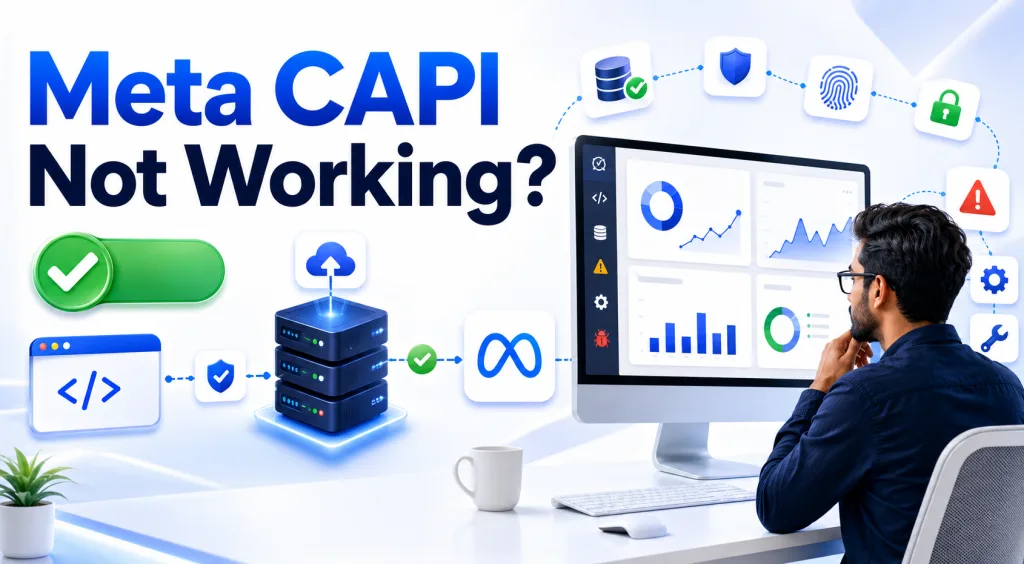
15. Verify Conversion API
Many businesses still rely only on browser tracking.
Ensure:
- Conversion API installed
- Server events received
- Deduplication working
- Event Match Quality optimized
16. Review Catalog Access
If selling products:
Verify:
- Catalog owner
- Product feeds
- Assigned users
- Commerce permissions
17. Check WhatsApp Business Access
If connected:
Review:
- Phone number ownership
- Messaging permissions
- Assigned users
- Connected Page
18. Review Security Alerts
Check Security Center regularly.
Look for:
- Unknown logins
- Suspicious activity
- Removed permissions
- Failed login attempts
Investigate immediately.
19. Verify Backup Admin
Never rely on one administrator.
Always have at least two trusted admins.
If one account is lost, another can recover access.
20. Check Business Verification
Business Verification improves credibility.
Review:
- Verification status
- Submitted documents
- Business name consistency
- Website ownership
Verified businesses generally experience fewer account limitations.
21. Audit Connected Apps
Review connected applications.
Examples:
- CRM integrations
- Scheduling tools
- Automation platforms
Remove unused apps.
22. Review Lead Access
For businesses using Lead Forms:
Verify:
- Lead download permissions
- CRM integrations
- Email notifications
- User access
Protect customer data.
23. Verify Commerce Manager
If using Facebook Shops:
Check:
- Store ownership
- Payment setup
- Shipping settings
- User permissions
24. Export Important Business Information
Maintain backups of:
- Ad reports
- Audience lists
- Campaign data
- Lead exports
- Billing invoices
Regular backups reduce recovery risks.
25. Document Access Policies
Create an internal document covering:
- Who receives access
- Approval process
- Employee exit checklist
- Password policies
- Security requirements
Documentation ensures consistency.
Recommended Permission Structure
A secure permission model might look like this:
| Role | Recommended Access |
|---|---|
| Business Owner | Full Control |
| Marketing Manager | Full Control |
| Performance Marketer | Ad Account, Pixel, Events |
| Social Media Manager | Facebook & Instagram |
| Graphic Designer | Content Only |
| Customer Support | Messaging |
| Finance Team | Billing Only |
| External Agency | Partner Access |
This minimizes security risks while enabling collaboration.
Common Mistakes Businesses Make
Avoid these common errors:
- Using personal Facebook accounts for business ownership.
- Giving every employee full administrative access.
- Allowing agencies to own business assets.
- Forgetting to remove access for former employees.
- Not enabling Two-Factor Authentication.
- Failing to verify business information.
- Ignoring Meta Security Center alerts.
- Not backing up advertising and lead data.
- Leaving expired payment methods attached to the account.
- Having only one administrator.
Best Practices for 2026
To keep your Meta Business Portfolio secure:
- Review user permissions every quarter.
- Enable mandatory Two-Factor Authentication.
- Assign only the minimum permissions required.
- Use Partner Access for agencies instead of transferring ownership.
- Keep business information accurate and up to date.
- Verify your business and domain.
- Regularly audit billing methods and connected apps.
- Maintain at least two trusted administrators.
- Export important reports and leads regularly.
- Document onboarding and offboarding procedures for all team members.
Frequently Asked Questions
How often should businesses audit Meta Business Portfolio access?
A full access audit should be performed at least once every three months and immediately after employee or agency changes.
Can I have multiple Business Admins?
Yes. Meta allows multiple admins, but only trusted individuals should have full control.
Should I share my Facebook password with employees?
No. Never share personal login credentials. Assign access through Meta Business Portfolio using role-based permissions.
What happens if an agency owns my Meta assets?
You may lose control of your Pages, Ad Accounts, or Pixels if the relationship ends. Always ensure your business owns the assets and grant agencies Partner Access instead.
Is Business Verification mandatory?
Not for every business, but verification improves trust, supports advanced features, and can reduce the likelihood of account restrictions.
Final Thoughts
Meta Business Portfolio is the foundation of your business’s presence across Facebook, Instagram, WhatsApp, and Meta Ads. Proper access management isn’t just about convenience—it protects your advertising investments, customer data, and brand reputation.
By following this 2026 checklist, businesses can reduce security risks, maintain full ownership of critical assets, and ensure smooth collaboration with employees and marketing partners. Make access reviews a regular part of your operations, especially whenever team members join or leave, new agencies are onboarded, or new Meta assets are created.
A well-managed Meta Business Portfolio gives you confidence that your digital business infrastructure remains secure, organized, and ready to support future growth.