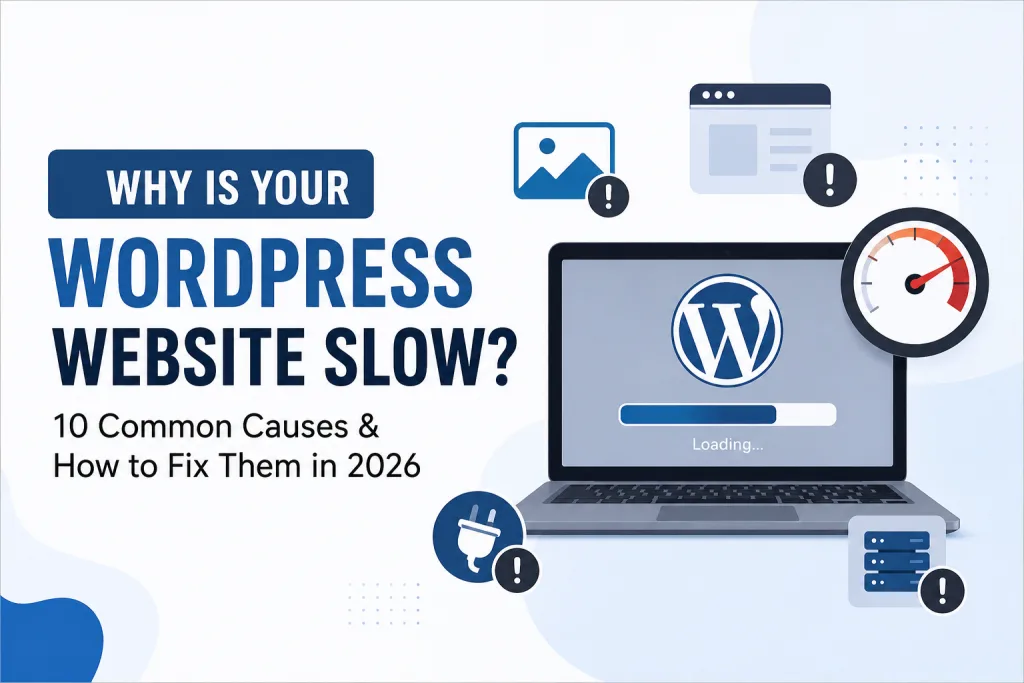
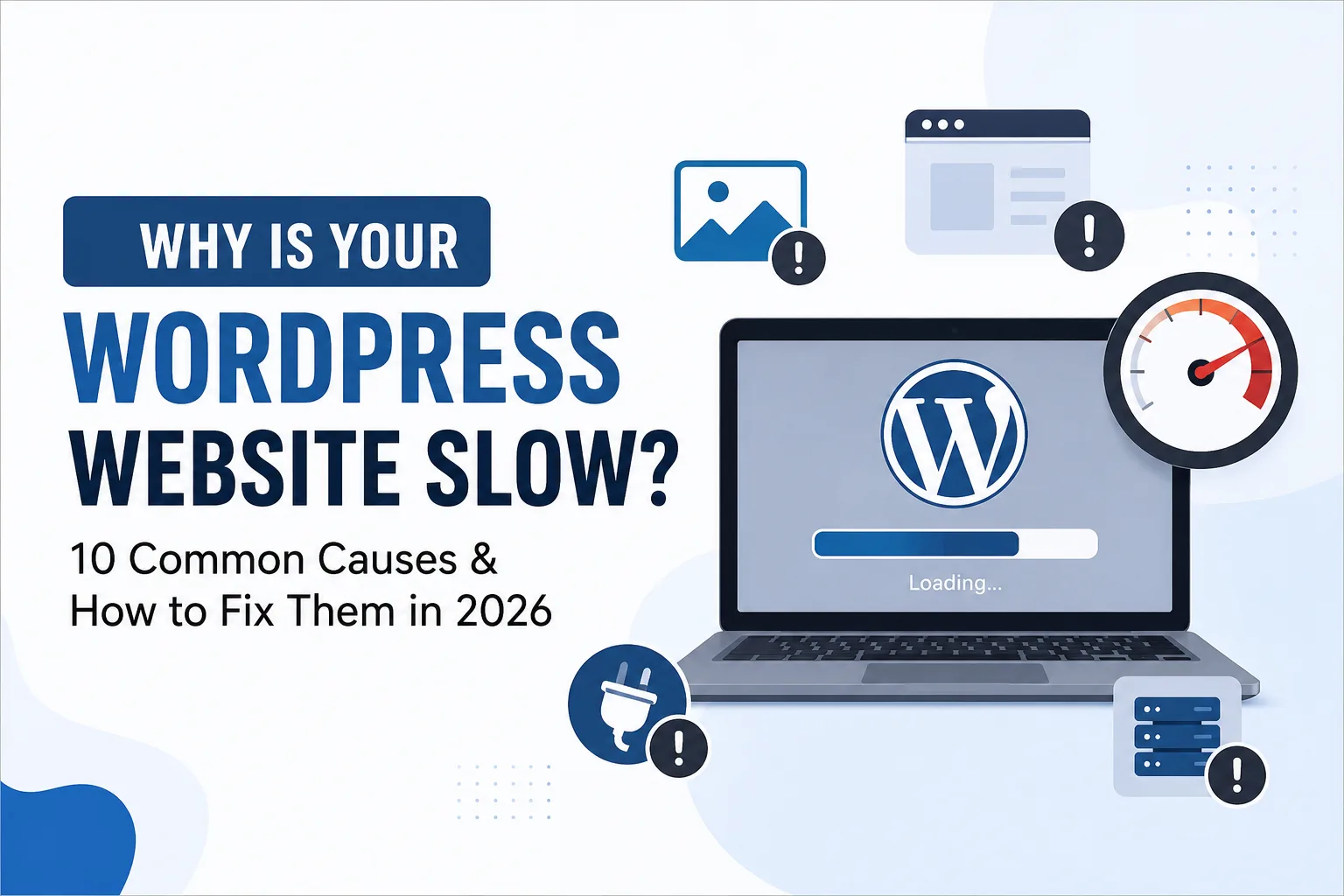
A slow WordPress website can quietly damage your business.
Visitors expect websites to load quickly, especially on mobile devices. If your pages take too long to load, users may leave before seeing your content, products, or services. A slow website can also affect user experience, conversions, and your overall search visibility.
But why is your WordPress website slow?
The problem may not always be your hosting. Large images, unnecessary plugins, poor caching, outdated themes, third-party scripts, and unoptimized databases can all contribute to slow performance.
In 2026, website speed is more important than ever. With users expecting faster digital experiences and search engines focusing heavily on page experience, improving WordPress performance should be a priority for every website owner.
In this guide, we’ll explore 10 common reasons why WordPress websites become slow and practical ways to fix them.
1. Your Images Are Too Large
One of the most common reasons for a slow WordPress website is unoptimized images.
Uploading high-resolution images directly from your camera or phone can significantly increase page size. A single image can sometimes be several megabytes, making the browser download more data before displaying the page.
How to fix it:
Before uploading images:
- Resize images to the required dimensions.
- Compress them without losing noticeable quality.
- Use modern formats such as WebP or AVIF where appropriate.
- Avoid uploading unnecessarily large images.
- Use responsive images for different screen sizes.
For example, if your website displays an image at 800px wide, uploading a 4000px image is usually unnecessary.
Pro tip: Don’t forget to optimize your hero images. Since they are often visible immediately when the page loads, large hero images can have a major impact on perceived loading speed.
2. Too Many WordPress Plugins
Plugins add functionality to WordPress, but installing too many unnecessary plugins can make your website harder to maintain and potentially affect performance.
Some plugins load CSS and JavaScript files across your entire website, even when those resources are not required on every page.
How to fix it:
Regularly review your installed plugins.
Remove:
- Plugins you no longer use.
- Duplicate plugins with overlapping features.
- Poorly maintained plugins.
- Plugins that provide unnecessary functionality.
Instead of installing separate plugins for every small feature, consider using a lightweight solution or combining functionality where possible.
However, remember that the number of plugins alone doesn’t determine website speed. A well-coded plugin may have little impact, while a poorly optimized plugin can create performance issues.
3. Poor or Low-Quality Hosting
Your hosting provider plays an important role in website performance.
If your hosting server is overloaded or your hosting plan has limited server resources, your website may respond slowly, especially when multiple visitors access it at the same time.
This is particularly noticeable when your website uses resource-heavy plugins, page builders, or dynamic content.
How to fix it:
Choose hosting that provides:
- Good server performance.
- SSD or NVMe storage.
- Reliable server resources.
- Free or integrated caching options.
- CDN compatibility.
- Good technical support.
If your website has grown significantly, you may need to upgrade from basic shared hosting to a better hosting environment.
Before changing hosting, test your website performance and check whether the real problem is server response time.
4. No Caching System
Every time a visitor opens a WordPress page, the server may need to process PHP files, access the database, and generate the page.
Without caching, this process can happen repeatedly.
Caching stores ready-to-use versions of website resources, allowing pages to load faster for returning and new visitors.
How to fix it:
Use a reliable caching solution that supports features such as:
- Page caching.
- Browser caching.
- CSS and JavaScript optimization.
- GZIP or Brotli compression.
- Lazy loading.
- Cache preloading.
Your hosting provider may already offer server-level caching. If so, check the configuration before installing multiple caching plugins.
Important: Avoid running several caching plugins with overlapping features. This can sometimes create conflicts instead of improving performance.
5. Heavy WordPress Themes and Page Builders
Beautiful design doesn’t always mean good performance.
Some WordPress themes include many features, animations, sliders, widgets, and scripts that your website may never use.
Similarly, page builders can generate additional HTML, CSS, and JavaScript depending on how the website is built.
How to fix it:
Choose a lightweight theme and use only the design features you actually need.
You can improve performance by:
- Removing unused widgets.
- Limiting unnecessary animations.
- Avoiding excessive sliders.
- Reducing complex layouts.
- Using lightweight fonts.
- Keeping your page structure simple.
A clean, well-structured website often performs better than a website overloaded with visual effects.
6. Too Many External Scripts
Third-party scripts are commonly used for analytics, advertising, chat widgets, social media feeds, heatmaps, and other marketing tools.
While these tools can be useful, every external script can add additional requests and processing time.
For example, a website may load scripts from several services before the page becomes fully interactive.
How to fix it:
Audit your third-party scripts.
Ask yourself:
- Do I really need this tool?
- Is it being used?
- Can I load it only on specific pages?
- Can the script be delayed until user interaction?
Remove unnecessary tracking codes and widgets.
For important marketing tools such as Google Analytics or advertising platforms, use proper implementation methods and avoid adding duplicate tracking codes.
7. Your WordPress Database Is Bloated
Over time, your WordPress database can accumulate unnecessary data.
This may include:
- Post revisions.
- Spam comments.
- Trashed content.
- Expired transients.
- Unused metadata.
A bloated database can make database queries less efficient and increase maintenance requirements.
How to fix it:
Regularly clean your WordPress database.
Before making any database changes, create a complete backup.
You can remove unnecessary data and optimize database tables using a trusted database optimization solution.
However, don’t blindly delete database tables or records. Some data may belong to active plugins.
8. Your Website Isn’t Using a CDN
A Content Delivery Network, or CDN, stores copies of static website resources across multiple servers in different geographic locations.
When someone visits your website, the CDN can deliver static content from a server closer to the visitor.
This can improve loading performance for websites with visitors from different locations.
How to fix it:
Consider using a reputable CDN for:
- Images.
- CSS files.
- JavaScript files.
- Fonts.
- Other static resources.
If your target audience is mainly local, such as a business serving customers in Kerala, CDN benefits may vary depending on your hosting location and audience distribution.
A CDN should complement good hosting and optimization rather than replace them.
9. Your CSS and JavaScript Files Are Not Optimized
Modern websites often use multiple CSS and JavaScript files.
If these resources are large or unnecessarily loaded, they can slow down page rendering and user interaction.
How to fix it:
Consider:
- Minifying CSS and JavaScript.
- Removing unused CSS where safe.
- Deferring non-critical JavaScript.
- Loading scripts only where needed.
- Reducing unnecessary animations.
- Avoiding excessive third-party libraries.
Be careful when combining or delaying scripts. Poor configuration can break website functionality.
Always test your website after making optimization changes.
10. Your Website Has Poor Core Web Vitals
In 2026, website performance isn’t just about how quickly a page appears to load.
Google’s Core Web Vitals focus on important aspects of user experience, including loading performance, responsiveness, and visual stability.
Key metrics include:
- Largest Contentful Paint (LCP) – Measures loading performance.
- Interaction to Next Paint (INP) – Measures responsiveness.
- Cumulative Layout Shift (CLS) – Measures visual stability.
A website may look fast to you but still provide a poor experience for real users.
How to fix it:
Use tools such as Google PageSpeed Insights and Google Search Console to monitor your performance.
Look for issues related to:
- Slow server response.
- Large images.
- Render-blocking resources.
- Layout shifts.
- JavaScript execution.
- Mobile performance.
Focus on real user experience instead of trying to achieve a perfect score at any cost.
How to Check If Your WordPress Website Is Slow
Before making changes, test your website.
You can use tools such as:
Google PageSpeed Insights – Check performance and optimization opportunities.
Google Search Console – Monitor Core Web Vitals and search performance.
GTmetrix – Analyze page loading behavior and performance issues.
Chrome DevTools – Identify network requests and resource-heavy elements.
Run tests on important pages such as:
- Homepage.
- Service pages.
- Blog posts.
- Product pages.
- Landing pages.
Don’t test only your homepage. Different pages may have completely different performance issues.
Final Thoughts
A slow WordPress website is rarely caused by just one problem.
It could be a combination of large images, poor hosting, excessive plugins, heavy themes, third-party scripts, database issues, or missing caching.
The good news is that most WordPress performance problems can be identified and improved with the right approach.
Start by testing your website. Identify the biggest performance bottlenecks first, then fix them one by one.
Don’t focus only on getting a perfect speed score. Your real goal should be to create a fast, stable, mobile-friendly, and enjoyable experience for your visitors.
In 2026, website performance is not just a technical concern. It is part of your overall digital marketing strategy.
A faster website can help you deliver a better user experience, improve engagement, support conversions, and create a stronger foundation for your SEO strategy.
Your website may be the first interaction a potential customer has with your business. Make sure it loads fast enough to make a good first impression.