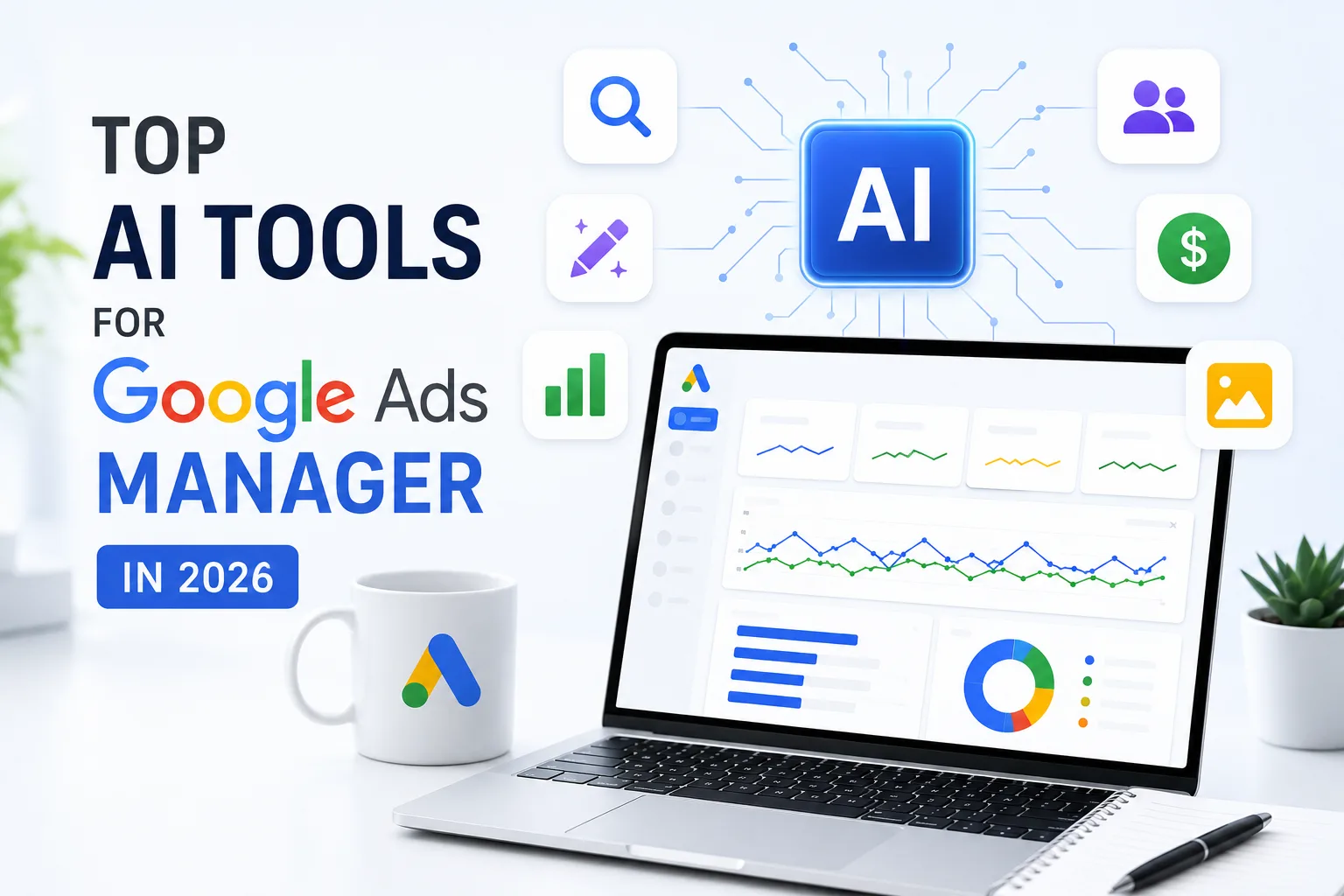
Google Ads isn’t the platform it was even two years ago. Performance Max, Demand Gen, value rules, offline conversions, and Merchant Center feeds all now run inside the same account, often pulling from the same creative assets and audience signals. Managing that complexity has become a question of architecture and measurement rather than clever headlines — and that’s exactly the gap AI tools are stepping into.
Costs aren’t making this optional, either. Google Ads spend has risen 76% since 2020, and total Google advertising revenue hit $264.6 billion in 2024. Every wasted dollar of ad spend is more expensive than it used to be, which is why more managers are turning to AI for bidding, creative, testing, and reporting.
Here’s how the landscape breaks down by the problem you’re actually trying to solve.
1. Autonomous Bid & Budget Management
If your bottleneck is time spent babysitting bids, budgets, and negative keywords, this category executes changes rather than just suggesting them.
- Ryze AI — positions itself as a fully autonomous manager that acts directly on bids, budgets, and negative keywords across Google, Meta, TikTok, and other platforms rather than only surfacing recommendations for a human to approve. It’s built for teams running Google alongside several other ad networks who want one system making changes 24/7.
- Optmyzr — widely recommended for agencies managing multiple client accounts, thanks to rule-based automation that scales more predictably across large account portfolios than fully autonomous tools.
2. Account Hygiene & Smart Recommendations
For managers whose main problem is inefficiency creeping into otherwise healthy accounts — wasted spend, missed negative keywords, weak search term matches — this category is about steady triage.
- Opteo — known for smart, prioritized recommendations that flag opportunities without requiring a manager to dig through raw data first.
- Adzooma — a strong free entry point for smaller accounts or managers who want automation basics without a big monthly commitment.
- PPC Rush — connects directly to a Google Ads account and benchmarks performance against a broader database to flag wasted spend and recommend targeting refinements, alongside account-level audits and keyword analysis.
3. Creative Generation for Performance Max
Performance Max is the single biggest reason creative production has become the real bottleneck in Google Ads management. A single Performance Max campaign can require 15+ headline variants, 5+ descriptions, and multiple images across different aspect ratios — far more than most teams can hand-produce at pace.
- AdCreative.ai — generates a high volume of creative variants and uses an AI scoring system to predict which ones will perform best inside Google’s automated bidding environment, making it a strong fit for PMax asset generation specifically.
- Lapis — built for Display and Discovery formats, with auto-sizing for Google’s placement requirements and direct export into Google Ads.
4. Ad Copy & A/B Testing
Bidding automation only works as well as the creative and copy feeding it. This category focuses on testing headlines, descriptions, and Responsive Search Ad combinations methodically.
- Adalysis — the go-to option for structured A/B testing, particularly for isolating which specific ad copy variants are actually driving performance rather than relying on Google’s own black-box optimization.
- Google’s native Responsive Search Ads (RSA) — still the right starting point for any Search advertiser, since it’s a built-in feature rather than a separate purchase, though it doesn’t extend to Display or Discovery creative.
5. Cross-Channel & Creative Intelligence
If you’re running Google Ads alongside Meta, TikTok, or other platforms, single-channel tools start to miss the bigger picture.
- Segwise — pulls data from 15+ ad networks and four measurement partners into one view, and uses multimodal AI to tag creative elements — hooks, CTAs, visual style, tone — so you can see which specific creative traits are driving results across every channel, not just Google.
- AdsGo — aimed at teams that treat Google and Meta spend as a single P&L rather than two disconnected reporting silos.
6. Google’s Built-In AI Features
Before adding a third-party tool, it’s worth knowing what’s already inside Google Ads:
- Smart Bidding — Google’s native machine-learning bid strategy, and the baseline every advertiser should have running before layering on external optimization tools.
- Responsive Search Ads — Google’s built-in system for testing and serving headline/description combinations automatically.
These native features are the starting point for every advertiser, with third-party tools generally adding value on top rather than replacing them outright.
How to Choose
Don’t start by asking “which AI tool is best” — start by asking where your account is actually losing time or money:
| Your bottleneck | Tool category to look at |
| Manual bid/budget adjustments eating your week | Autonomous management (Ryze AI, Optmyzr) |
| Wasted spend, weak search terms | Recommendation/hygiene tools (Opteo, Adzooma, PPC Rush) |
| Not enough PMax creative assets | Creative generation (AdCreative.ai, Lapis) |
| Unclear which ad copy is winning | Testing tools (Adalysis) |
| Google + Meta + TikTok reporting fragmentation | Cross-channel tools (Segwise, AdsGo) |
No single tool covers everything — most experienced managers in 2026 are running a small stack rather than one all-in-one platform: an execution layer for bids and budgets, a creative layer for asset generation or intelligence, and a testing layer for copy. The tools change the mechanics of the work, but the underlying job — knowing what to test, what to trust, and what to override — is still the manager’s.
Note: Pricing, feature sets, and rankings for third-party AI advertising tools change quickly. Verify current pricing and capabilities directly with each vendor before committing.